
Books That Balance Themselves
Every sale, purchase, and expense automatically creates proper double-entry accounting entries. Your books are always audit-ready. You didn't do anything.

From Transaction to Financial Statement
Every business activity flows automatically into proper accounting records.
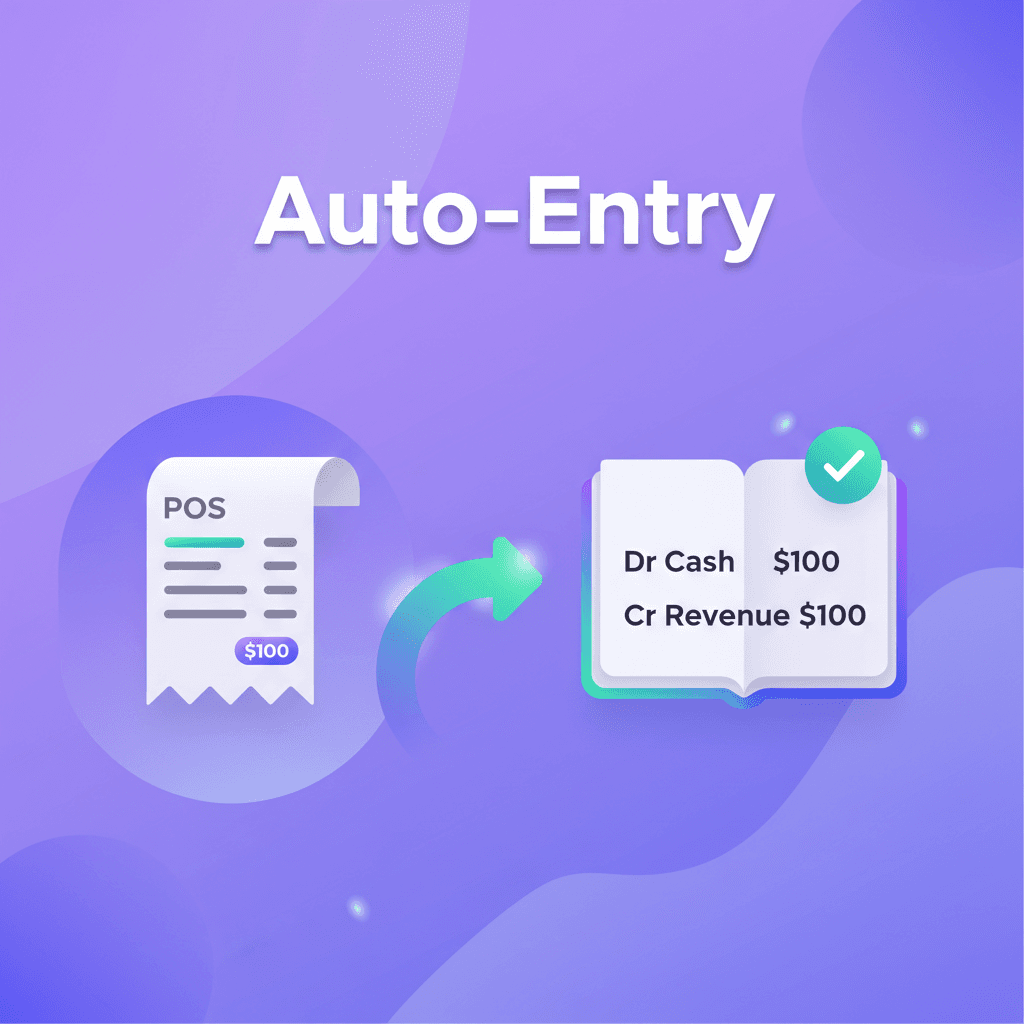
Transactions Create Entries
Every sale, purchase, expense, and payment automatically creates proper double-entry accounting records.
- POS sales → Revenue + COGS entries
- Purchases → Inventory + AP entries
- Expenses → Expense + Cash/AP entries
- Payments → AR/AP settlements
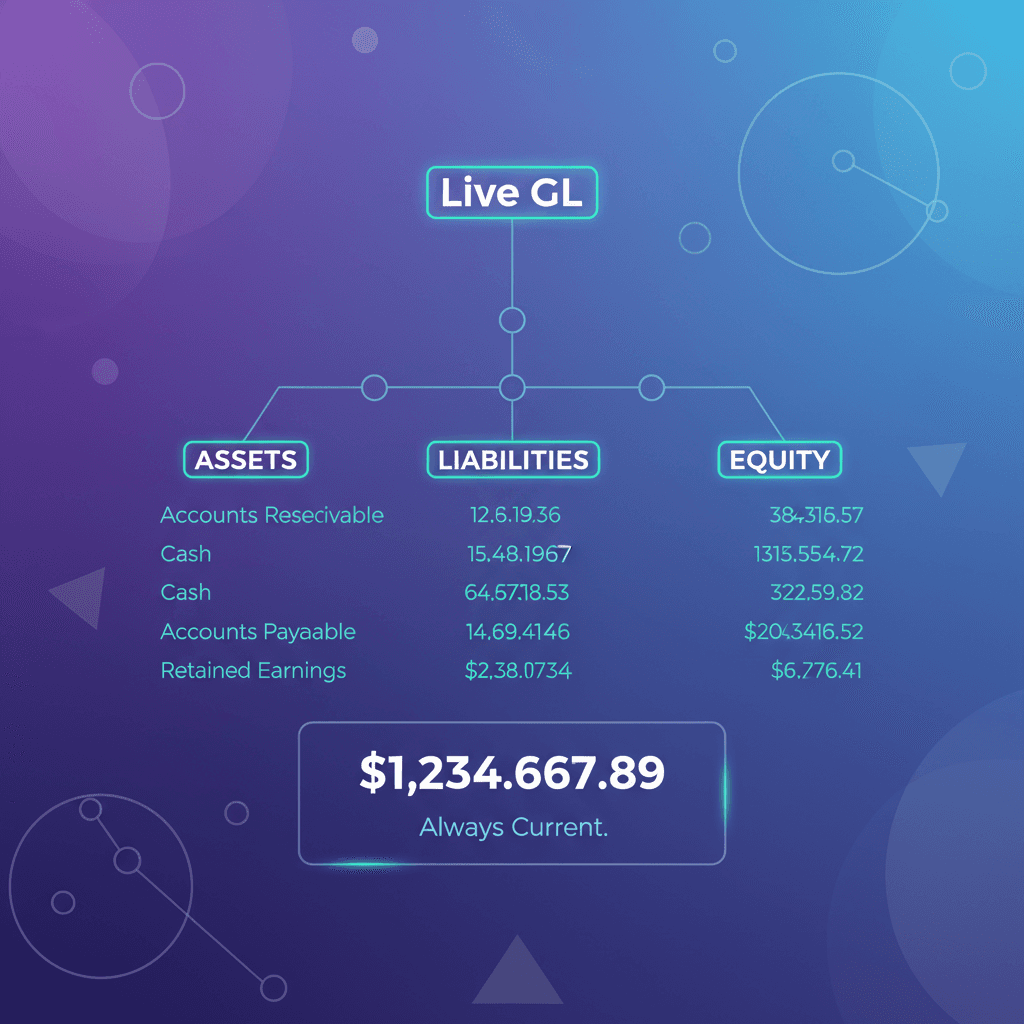
Real-Time General Ledger
Your GL updates instantly with every transaction. No batch processing, no waiting.
- Customizable chart of accounts
- Sub-ledger integration
- Account hierarchy support
- Real-time balance updates
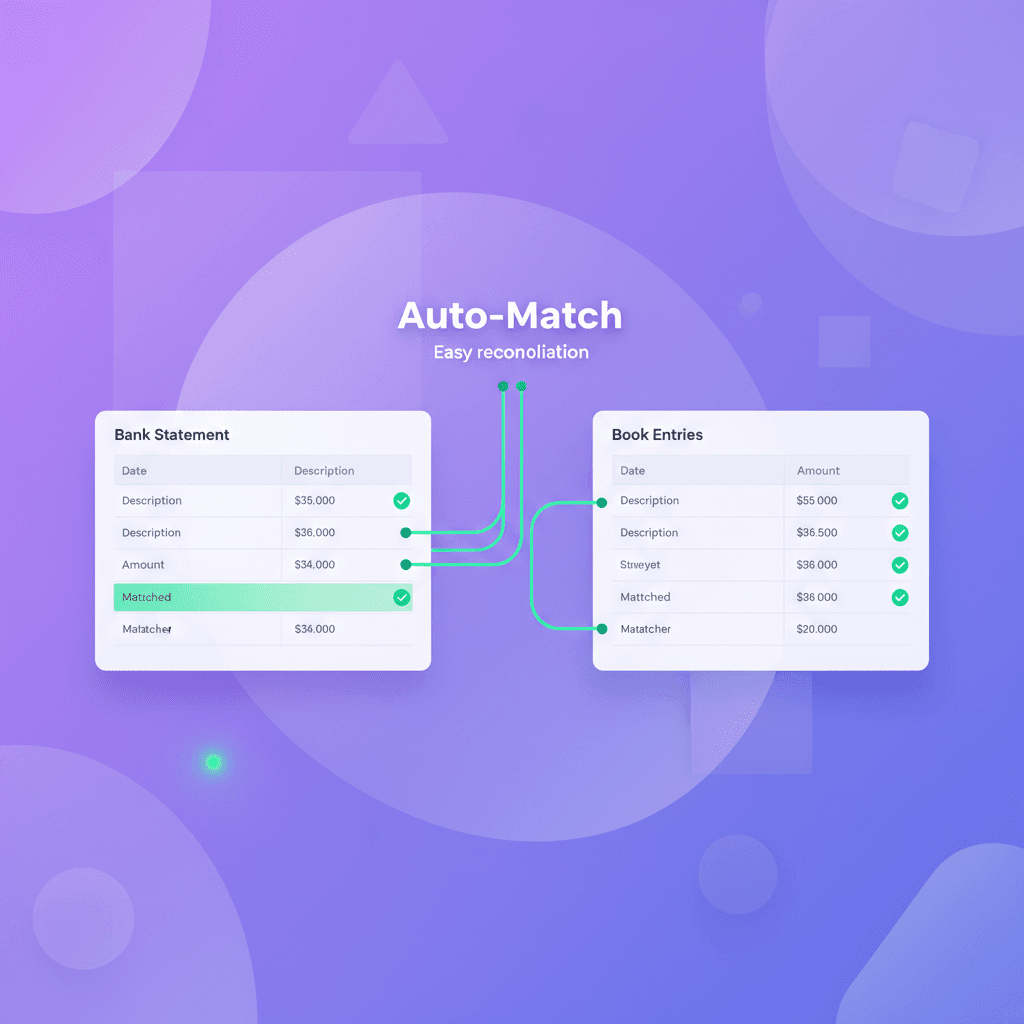
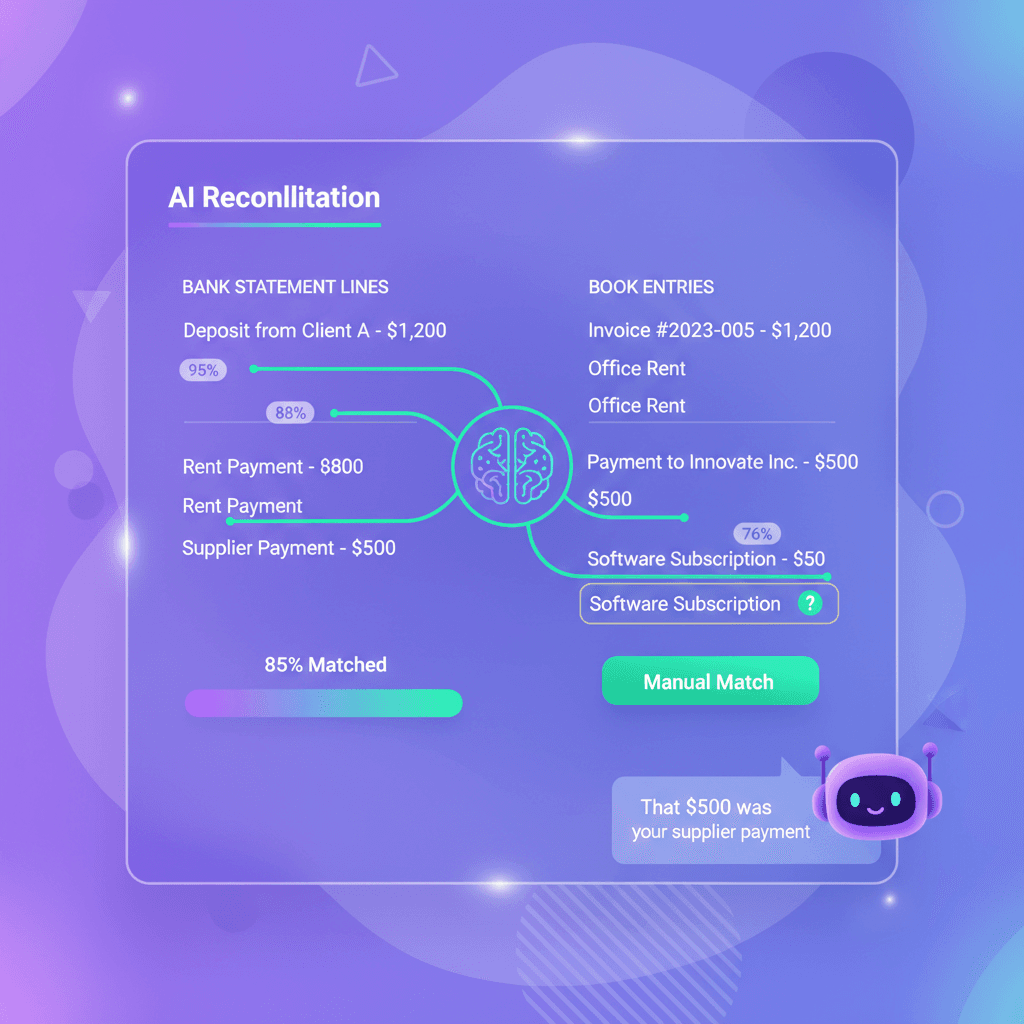
AI-Powered Bank Reconciliation
Upload any bank statement CSV. AI detects the format automatically, matches transactions with confidence scores, and lets Qvi explain what each transaction was for.
- AI format detection - any bank, any CSV
- Multi-pass auto-matching with confidence scores
- Ask Qvi: "What was this $500 for?"
- Manual match interface for edge cases
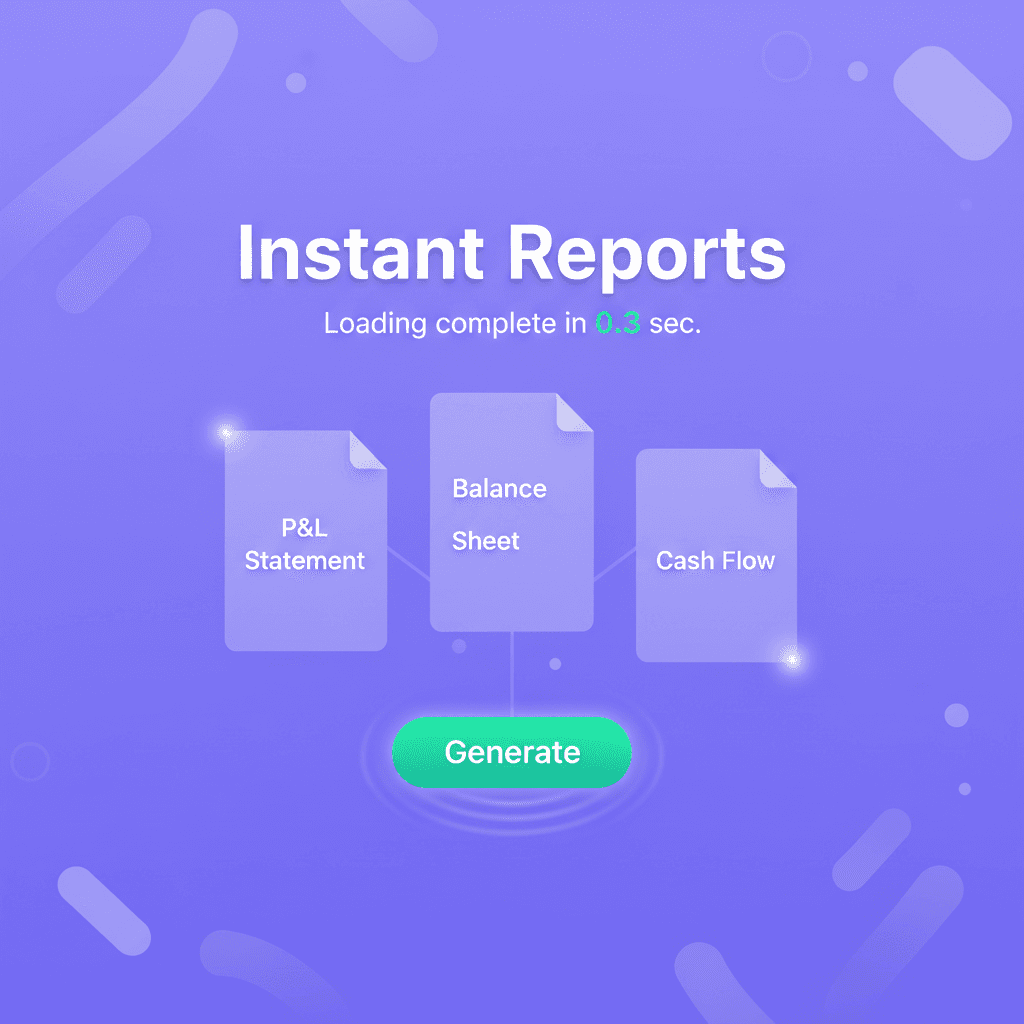
Financial Reports - Always Current
P&L, Balance Sheet, Cash Flow - all generated instantly from live data.
- Profit & Loss statement
- Balance Sheet
- Cash Flow statement
- Custom report builder
Every Transaction, Perfectly Posted
Here's what happens automatically when you do business
POS Sale
Debit Cash/AR, Credit Revenue, Debit COGS, Credit Inventory
Purchase Receipt
Debit Inventory, Credit AP, Update WAC
Expense Upload
Debit Expense Account, Credit Cash/AP
Payment Received
Debit Cash, Credit AR
Supplier Payment
Debit AP, Credit Cash
Multi-Currency Payment
Auto-convert amount, post FX Gain/Loss to GL
Bank Reconciliation
Automatic matching and adjustment entries
Multi-Currency? Handled.
Operate globally without the spreadsheet nightmare. Invoice in any currency, pay suppliers worldwide, and let the system handle all the conversions and FX accounting automatically.
170+ Currencies
Support for all major world currencies with automatic symbol and formatting
Auto-Updated Rates
Exchange rates refresh every 6 hours from trusted sources
FX Gain/Loss Posting
Realized gains and losses automatically post to proper GL accounts
Report in Any Currency
View P&L, Balance Sheet, and all reports in your preferred currency

Bank Reconciliation That Thinks
Upload any bank statement. AI figures out the format. Auto-matching finds your payments, expenses, and invoices with confidence scores. Stuck on a transaction? Ask Qvi - your AI accountant explains exactly what each transaction was for.
Upload Any Statement
Drop any bank CSV. AI detects columns, date formats, and amount signs automatically
Smart Auto-Matching
AI matches transactions automatically—even when amounts split across multiple entries or dates differ slightly
Ask Qvi
"What was this $500 for?" - Qvi traces transactions across your entire system and explains
Confidence Scores
See why each match was suggested with percentage confidence and match reasoning
Before & After Qvian
Complete Financial Control
Everything you need for proper accounting, without the manual work.
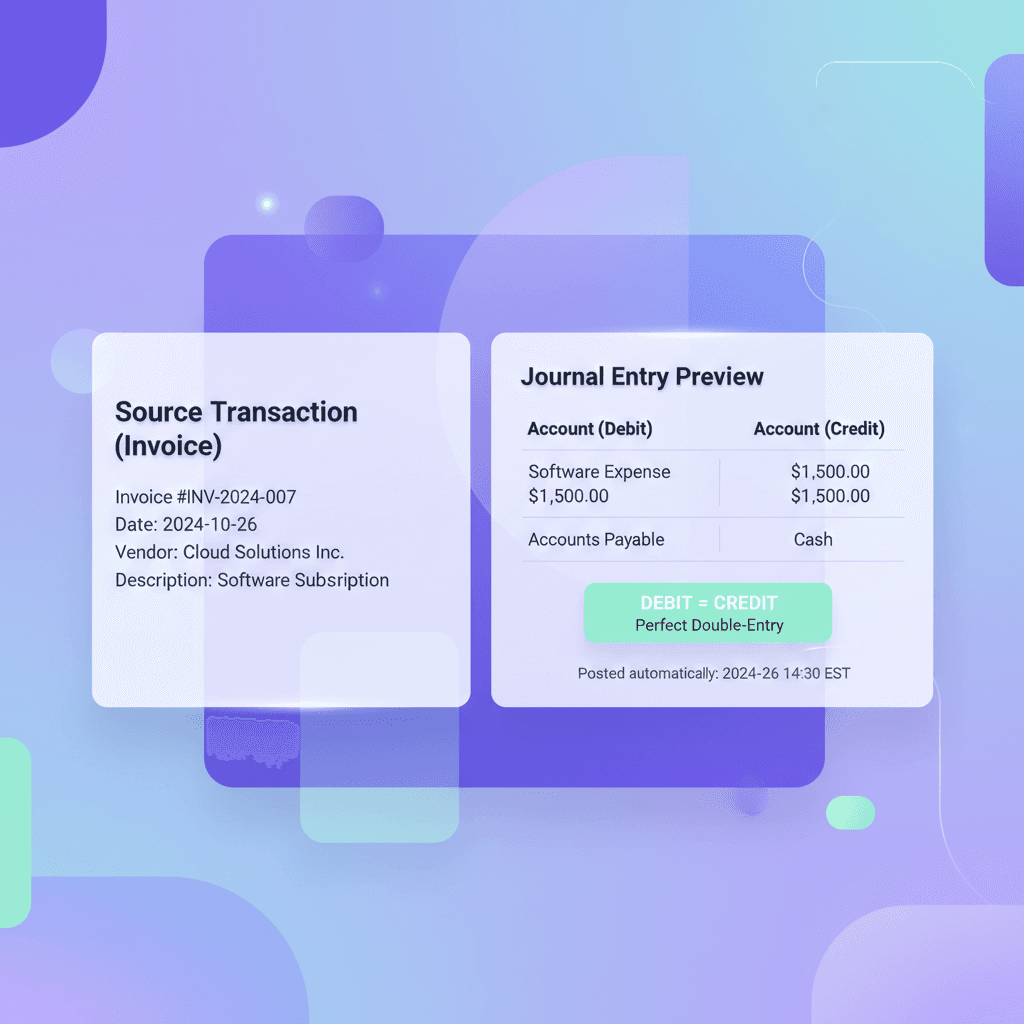
Automatic Journal Entries
Every business transaction creates proper double-entry records. Debits equal credits. Every time. Automatically.
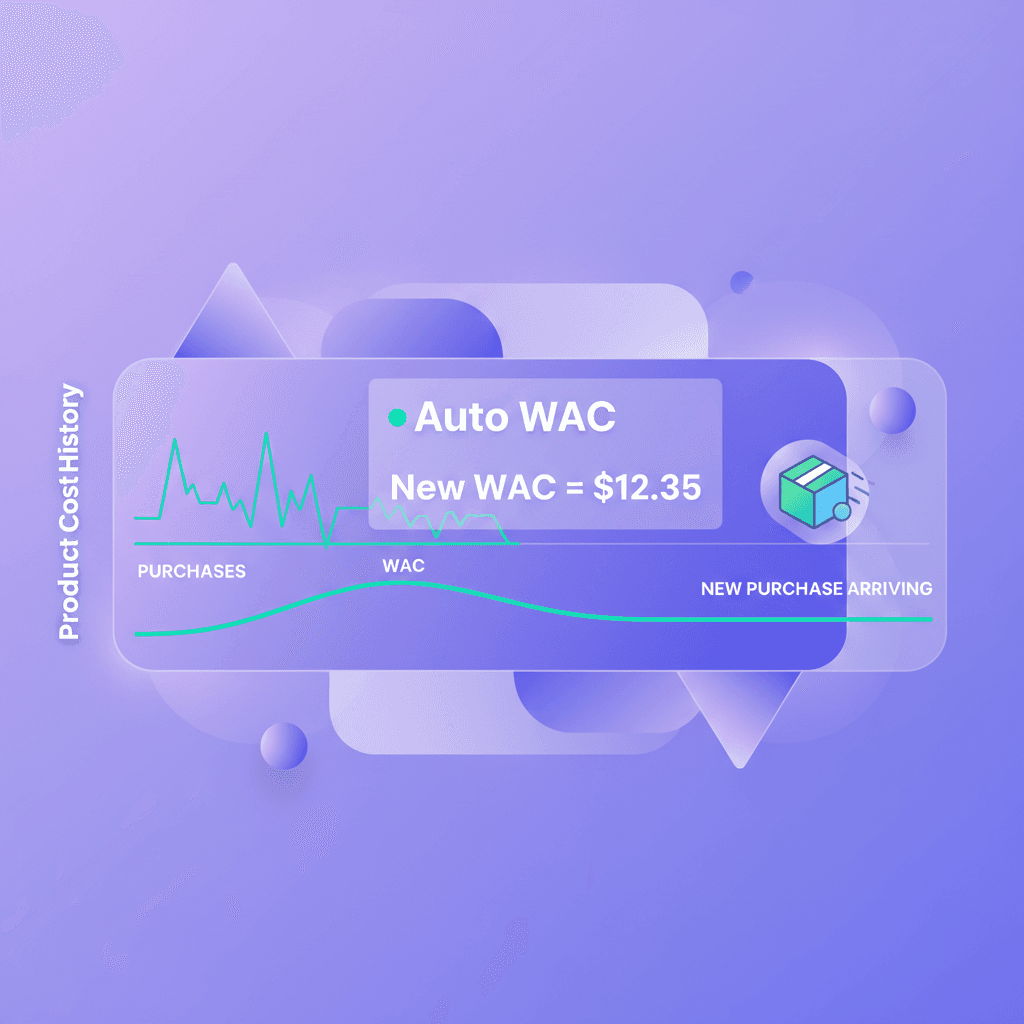
WAC Cost Tracking
Weighted Average Cost calculated automatically on every purchase. COGS always accurate.
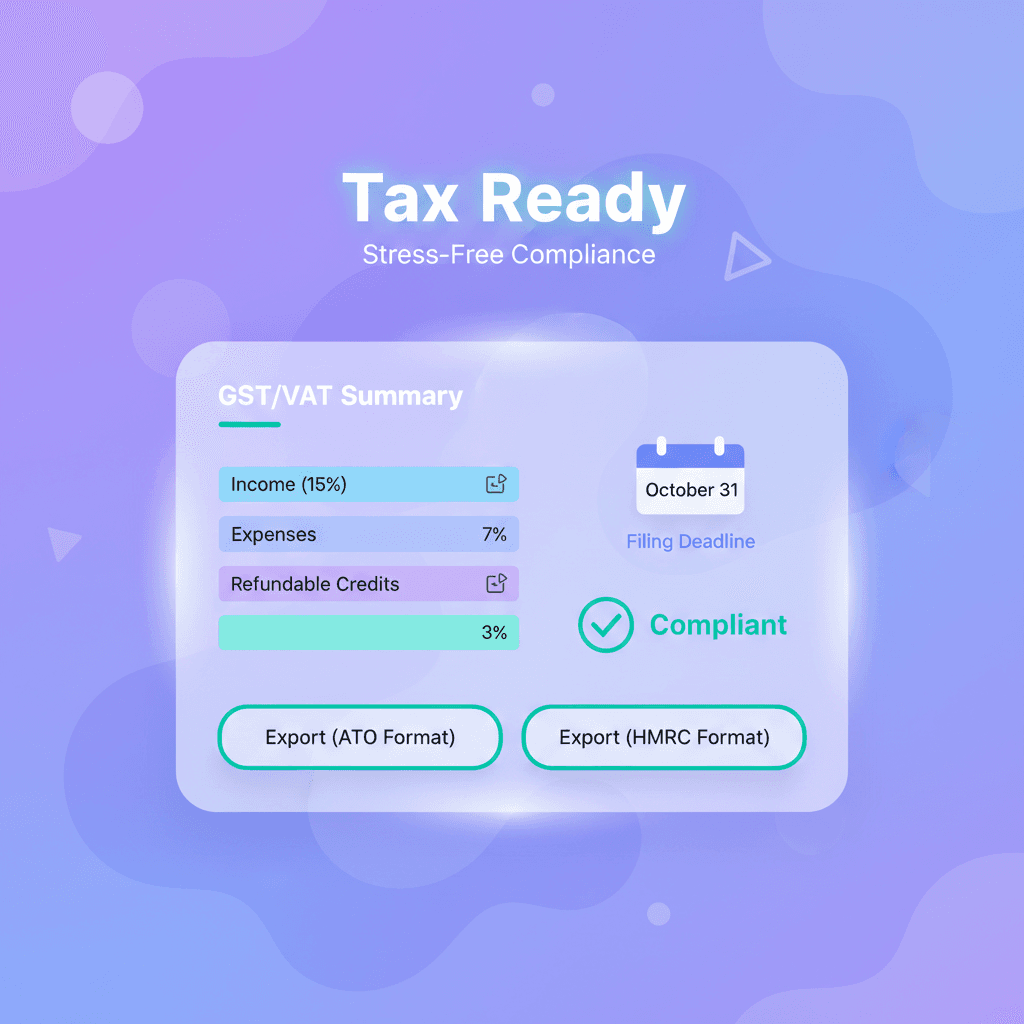
Tax-Ready Reports
Generate tax reports with proper categorization. GST/VAT tracking built in.
Complete Feature Set
Ready for Books That Balance Themselves?
Your accountant will wonder what you're paying them for. (Kidding. Sort of.)
Setup in 10 minutes.